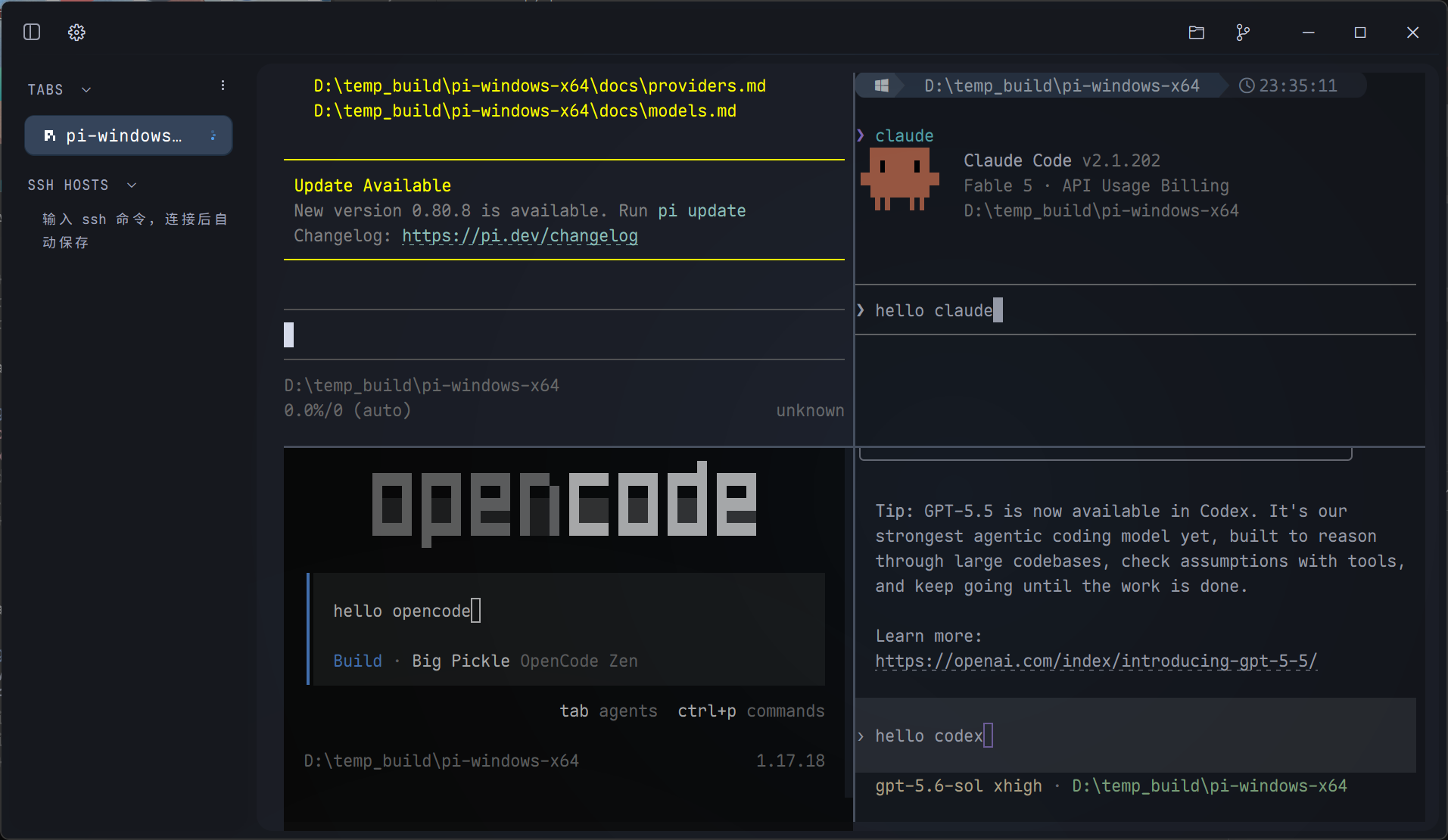
Claude is still editing, Codex wants approval to run tests, Gemini just finished a review. A spinner, a raised hand or a check on each tab tells you which one needs you.
TABS 5* claude refactor ssh reconnect ~running · 2m14s * codex approve cargo test -p term !waiting for you * gemini review architecture.md vdone · 41s > pwsh cargo build --release ! exit 101* kimi summarize the diff . finished · unread
11 MB of logs, done in 0.22 s.
Same log, same machine, started together.
cat build.logMeasured replay
pebrel
Done
❯cat build.log
11 MB / build.log
real  0.22s
❯
1698fps · raw measurement
cat build.log0.22 s
Windows Terminal
Done
❯cat build.log
11 MB / build.log
real  3.21s
❯
725fps · raw measurement
cat build.log3.21 s
11 MB log output
seconds · lower is better
same machine, same load · median
Auto loop
Private working set at startup: Pebrel 51 MiB, Windows Terminal 35 MiB.
Medians from the same machine. Memory includes ConPTY and excludes shared pages.
Hosts come from ~/.ssh/config. Search, connect, and the sidebar lists the remote tree. Drop a local folder on it to upload over SFTP.
SFTP · prod:~/app
⌕
resolve10.0.4.12tcp18 msauthed25519shell120×32
↑ dist/0%
📁 dist/ 214 files
Say one thing. The agents open their own tabs.
Claude has Codex fix a bug, Codex asks Gemini to review it, Gemini sends it back, Pi hands the issues to OpenCode. Deploys and logs go straight into ssh.